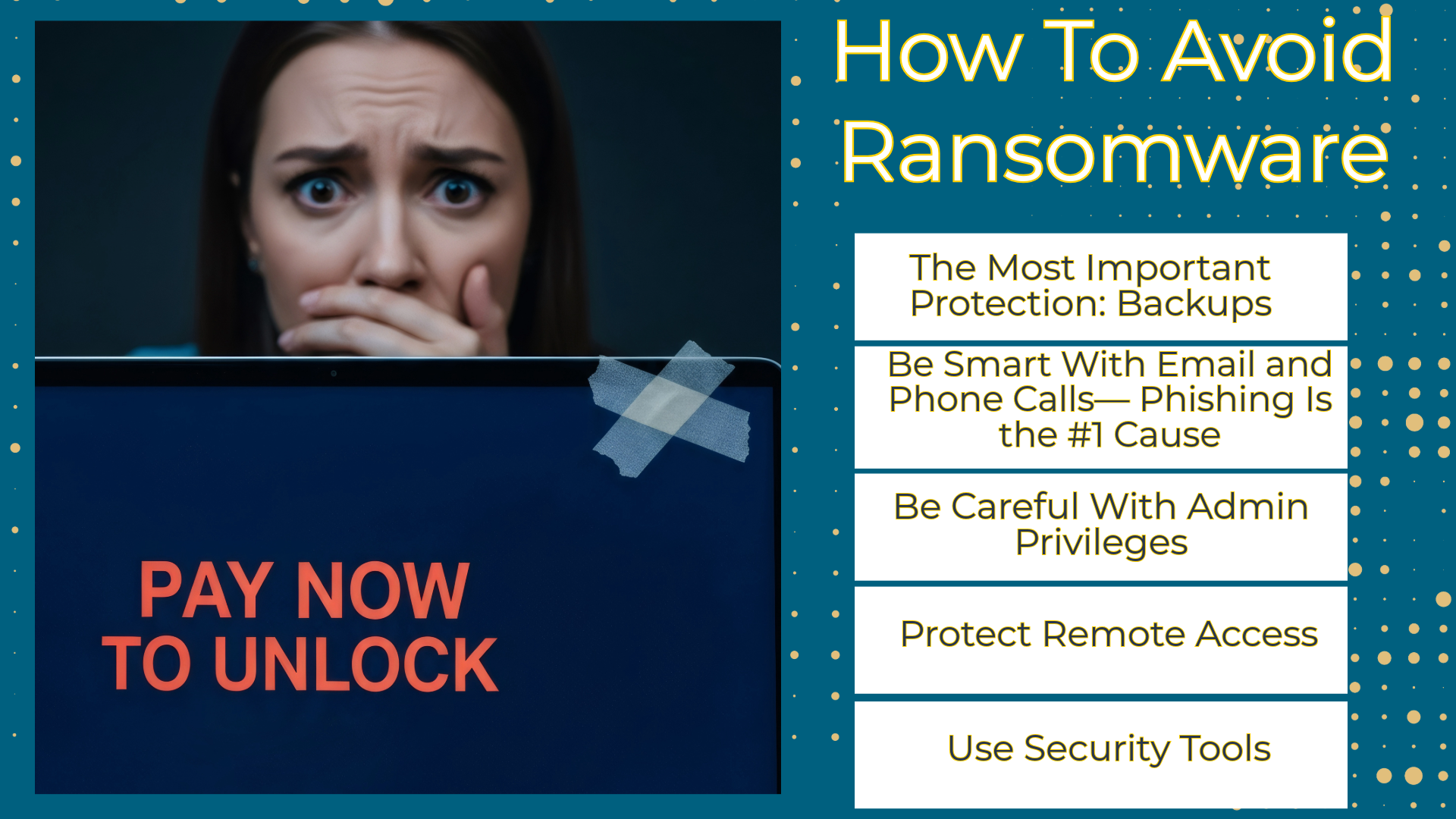
How can you avoid falling victim to ransomware? Reduce your chances by adopting the following safety practices:
The Most Important Protection: Backups
Keep regular backups of your files — automated if possible. Store them in three places:
- On your computer
- External drive (unplug after backup!)
- Cloud backup service
A backup that is connected can be encrypted by ransomware. If you have clean backups, ransomware loses its power.
Be Smart With Email and Phone Calls — Phishing Is the #1 Cause of Ransomware
Many ransomware attempts start with a fake email or call.
Don’t click links or attachments unless:
- You expect them
- You confirm who sent them
- Hover over links — does the address look wrong?
PDFs and Word docs can contain malicious macros. Disable Office macros unless your business requires them.
Keep Your Software Updated
- Update Windows / Mac updates.
- Update browsers and extensions.
- Update PDF readers, Java, Zoom, Office, etc.
- Turn auto-updates on where possible.
Hackers target old versions with known vulnerabilities. Sometimes, restarting your electronic devices is required for the software to update.
Use Security Tools
- Install reputable antivirus / anti-malware protection.
- Enable firewalls (Windows and Mac have built-in ones).
- Use a password manager to avoid password reuse.
- Enable DNS filtering if you can — it blocks known malicious sites.
For small businesses: Consider endpoint detection and response (EDR) software.
Be Careful With Admin Privileges
- Don’t browse the internet as an admin.
- Create a regular user account.
- Only grant admin rights when needed.
If ransomware runs with admin rights, it can encrypt far more.
Protect Remote Access
If your business uses Remote Desktop (RDP), secure it:
-
Require VPN first
-
Use strong unique passwords
-
Enable Multi-Factor Authentication
-
Close RDP if not needed
If You See Signs — Act Fast
Early signs can include:
- Files slowly renaming or locking
- New programs you didn’t install
- PC suddenly becomes very slow
- Pop-ups about encryption or payment
Immediately disconnect from Wi-Fi / Ethernet
-
Inform your IT or managed service provider
-
Time matters — ransomware spreads quickly across drives and networks.
Never Pay the Ransom
- There is no guarantee you’ll get your data back.
- Many who pay are targeted again.
- It funds crime and often violates regulatory rules (especially for government and financial sectors).
Quick Cheat Sheet
Do:
- Back up files offline
- Auto-update software
- Verify suspicious emails
- Use antivirus and a firewall
- Require multi-factor authentication
Don’t:
- Open unexpected attachments
- Use reused passwords
- Give admin rights to anyone